EN
EN
 fr
fr  de
de  es
es  it
it  ru
ru  pt
pt  ar
ar  vi
vi  tr
tr  id
id 

Phone:
0086 27 688745330086 18049845758
 GOLDEN PAPER

.webp "Digital Transfer Paper/Sublimation Paper")
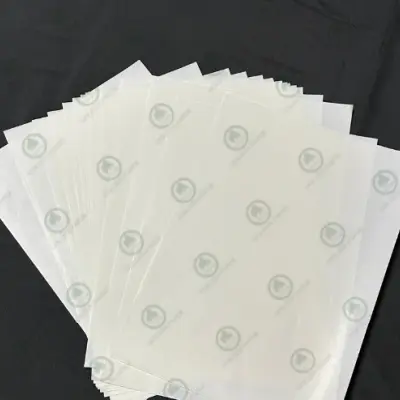
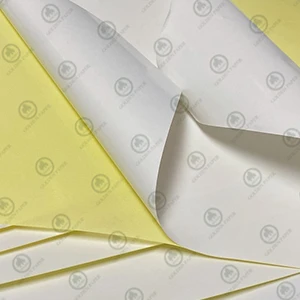
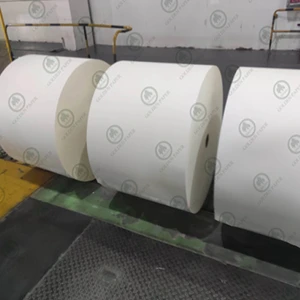

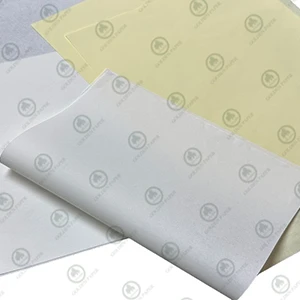

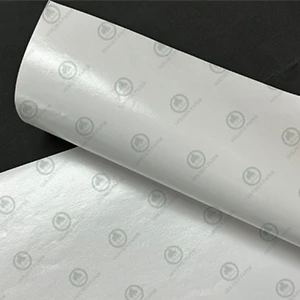

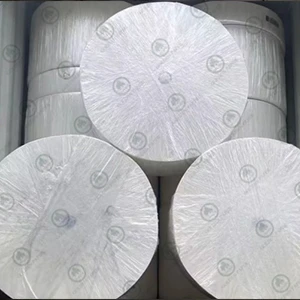

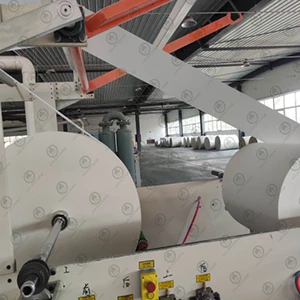
Coated paper printing mottling usually appears as uneven ink color, cloud-like marks, spots, or unclear halftone dots. When this happens, many printers may first suspect the paper quality. However, printing mottling can have several causes. Paper coating, ink and water balance, ink compatibility, printing pressure, equipment condition, and workshop temperature and humidity can all affect the final printing result. Understanding these factors can help printers identify the cause more quickly and take the right steps to improve coated paper printing quality.
.webp "Harper的图 (25).jpg")
Coated paper printing mottling refers to an uneven appearance in the printed ink, where the same color may show variations in shade, cloud-like marks, spots, or lighter areas. The problem is especially noticeable in large solid-color areas.
Some types of mottling mainly appear in solid areas, while others affect halftone dots, color consistency, or specific parts of the printed image. Because different symptoms can have different causes, troubleshooting should not focus only on the paper. The entire offset printing process should be considered.
The surface coating of coated paper has a direct impact on ink transfer and printing quality. If the coating is uneven, different areas of the paper may have different ink absorption and ink transfer properties. This can result in cloud-like marks, spots, or uneven ink coverage after printing.
If the paper has insufficient surface strength, coating picking or paper dusting may also occur during printing. Paper particles can build up on the blanket or other printing components and affect ink transfer. As a result, the mottling problem may become more noticeable as the print run continues.
If the problem only occurs with a particular paper batch, or the printing result improves significantly after changing the paper, check the paper's coating uniformity, surface strength, and surface cleanliness.
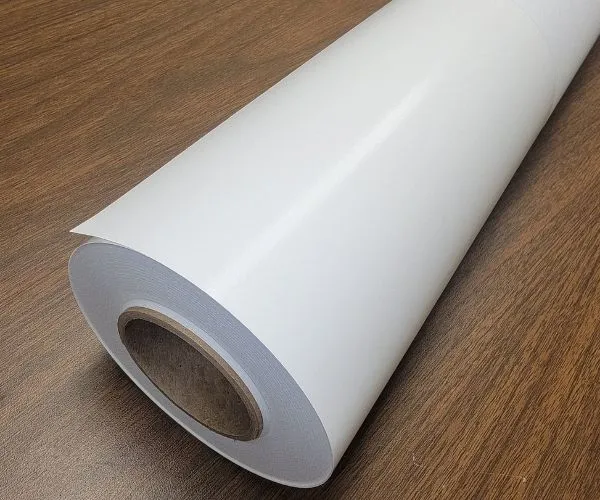
Paper can be affected by temperature and humidity during transportation and storage. If there is a large difference between the paper's storage conditions and the printing room, using the paper immediately may result in an unstable moisture condition and affect the printing process.
When possible, allow the paper to adjust to the printing environment before use. Keeping the paper in a stable condition can help reduce fluctuations during printing.
In offset printing, excessive fountain solution can cause ink emulsification. When too much water enters the ink, its color strength and transfer properties may decrease. This can lead to weak halftone dots, lighter ink, and uneven ink coverage.
If the ink becomes more stable after reducing the fountain solution supply, check the dampening system and ink-water balance instead of simply increasing the amount of ink.
Insufficient fountain solution may prevent the non-image areas of the printing plate from maintaining a stable hydrophilic condition. This can cause scumming, plugging, or unclear halftone dots. Increasing the ink supply to compensate for the problem may further disturb the ink-water balance.
Therefore, a stable ink-water balance should be maintained during offset printing. The fountain solution supply should be adjusted according to the actual conditions of the press, ink, and dampening system.
Water quality, fountain solution concentration, and system cleanliness can all affect ink-water balance. Unsuitable water quality, an incorrect solution ratio, or poor cleaning of the dampening system can make the ink and water conditions unstable during printing.
The specific fountain solution settings should be determined based on the printing press, ink system, and production conditions rather than applying one fixed value to every printing job.
Ink that is too thin may increase the risk of emulsification and affect the stability of the ink film. Ink that is too thick may not transfer properly, especially when printing large solid areas, which can result in uneven ink coverage.
When printing coated paper, choose an ink that matches the surface characteristics of the paper and adjust its flow properties according to the actual printing conditions.
Ink that has been stored for too long may develop skin, particles, or other abnormalities. If the ink contains contaminants, it may cause white spots, particles, or mottled areas after printing.
Check the condition of the ink before use and keep the ink fountain, rollers, and related equipment clean. If obvious particles or contamination are found, they should be addressed instead of continuing to use the affected ink.
In multicolor printing, the condition of the previous ink layer can affect the transfer and overprinting of the next color. If the previous layer has not reached a suitable drying condition, color variations or mottled areas may occur.
If mottling mainly appears in overprinted areas, check the ink film thickness, drying condition, and compatibility between the different inks.
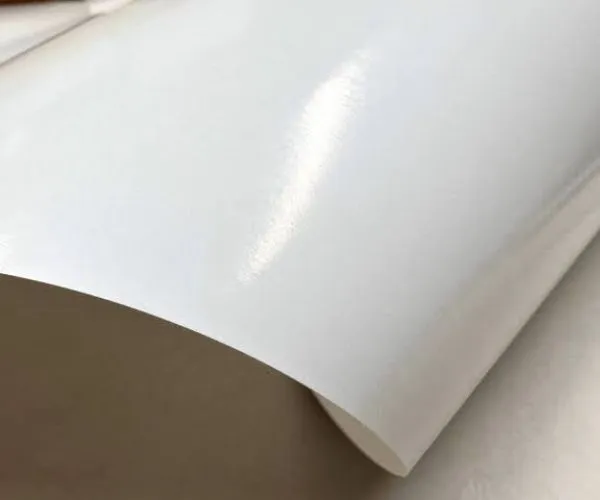
Proper printing pressure helps ensure effective ink transfer, but excessive pressure does not necessarily produce better printing results.
Too much pressure may excessively compress the coated surface of the paper and can also cause abnormal deformation of the blanket. If excessive pressure damages the coating or affects ink transfer, the printed sheet may show dark areas, distorted halftone dots, or localized mottling.
Therefore, printing pressure should be adjusted according to the press and paper conditions rather than simply increasing the pressure to obtain darker ink.
If the cylinders are not running properly, the packing is uneven, the bearings are worn, or the blanket has aged, printing pressure may vary across different areas of the sheet. In this case, mottling may appear in a regular pattern, such as stripes or repeated marks in fixed positions.
If the problem occurs periodically or in the same position repeatedly, check the condition of the printing equipment, including cylinder alignment, blanket condition, and packing, rather than focusing only on the paper or ink.
A significant change in printing speed requires corresponding adjustments to the ink and dampening systems. During high-speed printing, if the ink and water systems have not reached a stable condition, uneven ink transfer or color fluctuations may occur.
In this situation, reducing the printing speed appropriately and readjusting the ink-water balance can help determine whether the printing speed is contributing to the problem.
Temperature and humidity in the printing room can affect both paper and ink conditions. High humidity may increase the risk of paper moisture changes and ink emulsification, while temperature changes can affect ink flow and drying.
The printing room should therefore be kept at relatively stable temperature and humidity conditions. Paper should also be protected from sudden environmental changes before it is used on the press.
Paper dust, ink residue, and other contaminants on printing plates, blankets, or rollers can also affect ink transfer.
If coated paper produces excessive paper dust, or if there is a high level of dust in the printing room, contaminants can gradually build up during the print run. This may eventually appear as spots, white dots, or localized mottling.
Regularly cleaning the printing plates and blankets, while controlling dust in the production environment, can help reduce these problems.
When mottling occurs, first look at where the problem appears and whether it follows a specific pattern.
If the problem improves significantly after changing the paper batch, check the paper's coating uniformity, surface strength, and moisture condition. If the same paper performs differently under different printing conditions, further inspection of the equipment and ink-water system may be necessary.
If the ink color becomes more stable after adjusting the fountain solution supply, the problem may be related to ink-water balance. If mottling is limited to one specific color, check the condition and compatibility of that ink.
If the problem appears as regular stripes or repeats at fixed intervals, check the cylinders, blanket, packing, and printing pressure.
If the printing result changes noticeably when temperature or humidity changes, check the paper conditioning process and the stability of the printing environment.
By looking at the specific characteristics of the mottling, printers can gradually narrow down the possible causes instead of repeatedly changing paper, ink, or press settings without first identifying the problem.
Reducing coated paper printing mottling requires stable coordination between the paper, ink, printing press, and production environment.
From the paper side, consistent coating uniformity, good surface strength, and stable surface properties can help improve ink transfer. Before printing, the paper should also be protected from sudden changes in temperature and humidity.
During printing, avoid simply increasing the ink supply or printing pressure to obtain a darker color. Maintaining a stable ink-water balance and adjusting the relevant settings according to the actual printing condition can help maintain consistent print quality.
Regularly checking the blanket, cylinders, and other press components, while keeping the production environment clean, can further reduce ink variation caused by equipment or operating conditions.
Coated paper printing mottling can be related to the paper itself, but it may also result from ink-water balance, ink condition, printing pressure, equipment, or environmental factors. If you want to get paper samples and quotations, welcome to contact Golden Paper at now!